Changelog

Spaces

SpacesOrganizationMobile

Spaces

This release introduces Spaces — a new way to organize your links in Cadie.

Spaces let you group links in a way that matches how you think. You can create spaces for projects, topics, or anything else you’re working on, and move between them easily as your library grows.

They’re meant to stay out of the way. No setup to get started, no rules to follow — just places to keep related links together.
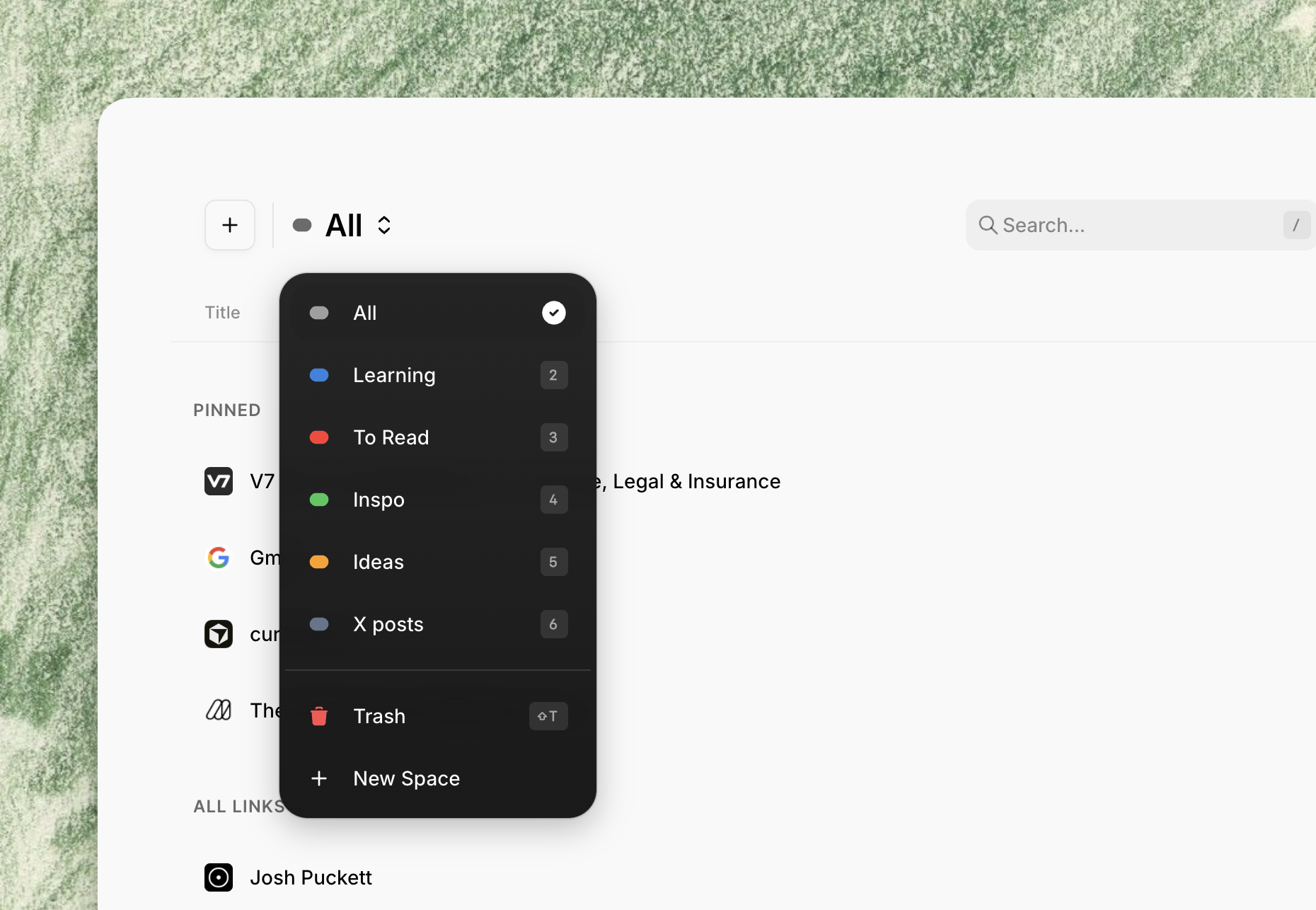
Spaces Interface

A smoother experience

Alongside Spaces, we made a set of behind-the-scenes improvements to make Cadie feel more responsive and reliable as you move around the app. Things should load faster, updates feel more immediate, and transitions stay smooth.

You won’t see most of this — and that’s the point.

Mobile polish

We also spent time refining the mobile experience:

  • Layouts feel more balanced on smaller screens
  • Menus are easier to tap and move through
  • Settings and dialogs behave more consistently

Small adjustments, but they add up to a better experience on mobile.
Chrome extension

ExtensionLaunch

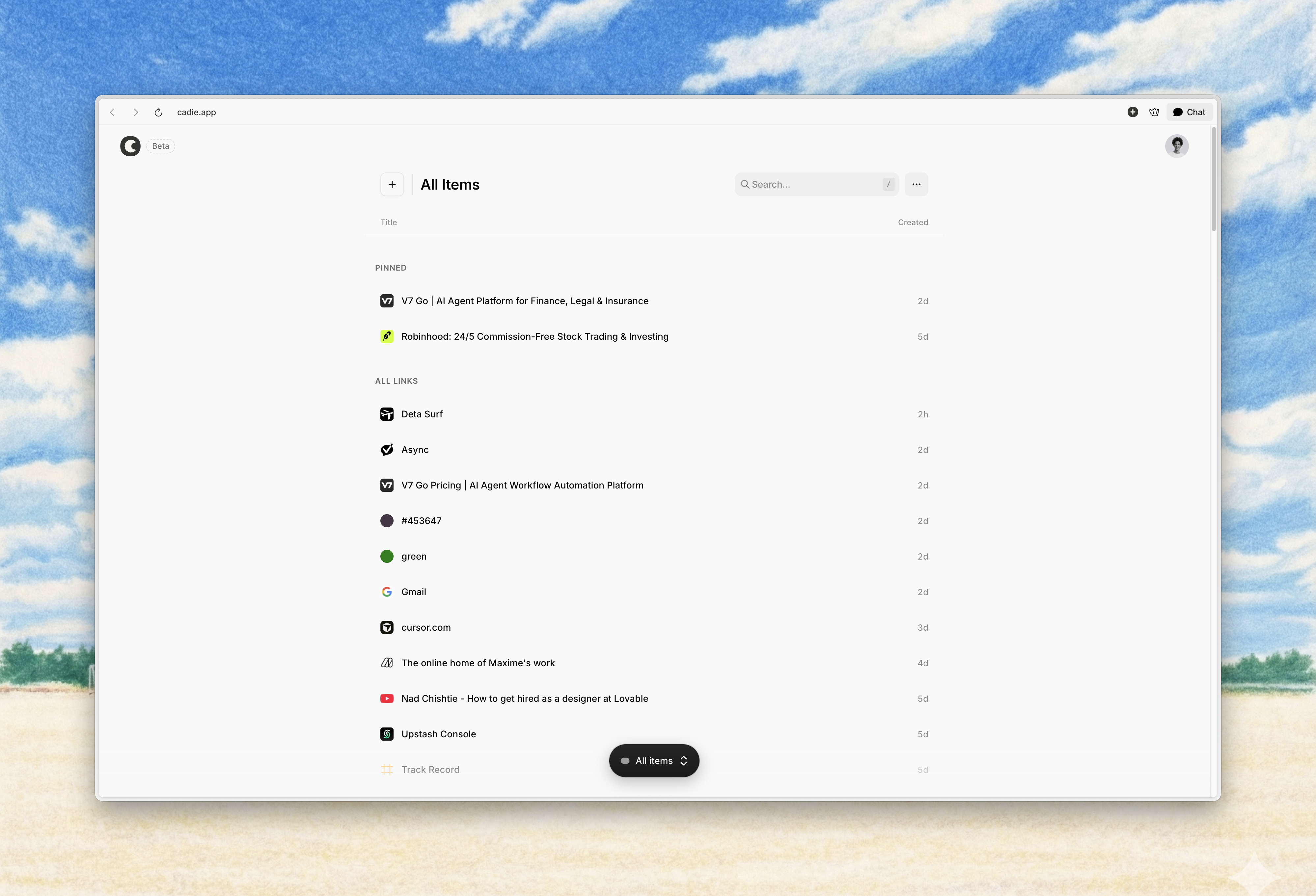
You can now save links to Cadie directly from your browser using the Chrome extension. This makes saving faster and lets you stay on the page you’re browsing.

One-click capture

Save the current page with one click from the browser toolbar. It's the fastest way to add anything to your library without leaving your current tab.

Keyboard shortcut

Use ⌥ + D (Mac) or Alt + D (Windows/Linux) to save without using the mouse. Designed for speed and minimal interruption to your workflow.

Context menu

Right-click on any page, link, or image to save it instantly. Precision saving exactly where you need it.

Links saved through the extension appear immediately in Cadie. No setup or extra steps required.

The Chrome extension is available now on the Chrome Web Store

بِسْمِ اللَّهِ الرَّحْمَنِ الرَّحِيمِ

BetaLaunch

Welcome to Cadie

Cadie starts with a simple belief: links are part of your thinking, and they deserve a place that feels stable, private, and easy to return to. This first release lays the foundation for a personal library for the web.

At its core, Cadie is a secure space to save and organize links without friction or noise.

Cadie Interface

Save without effort

Capture links directly from the dashboard. A browser extension is coming soon to make saving even easier.

Secured by default

Everything you save is stored securely. Your links aren’t exposed or shared — they live in a private space you can rely on.

Stay organized, quietly

Links are cleaned automatically, with tracking removed and metadata extracted. Archive what you want to keep out of sight, or move items to the Recycle Bin when you’re done.

Keyboard-first

Navigate your entire library using the keyboard. Press ? to see all shortcuts.

This is just the beginning. We’re building Cadie carefully, one step at a time. Thanks for being early — your feedback will shape what comes next.