Spaces
A calmer way to group and move through your links.
SpacesOrganizationMobile
Never lose a link again. See it, save it, find it later.

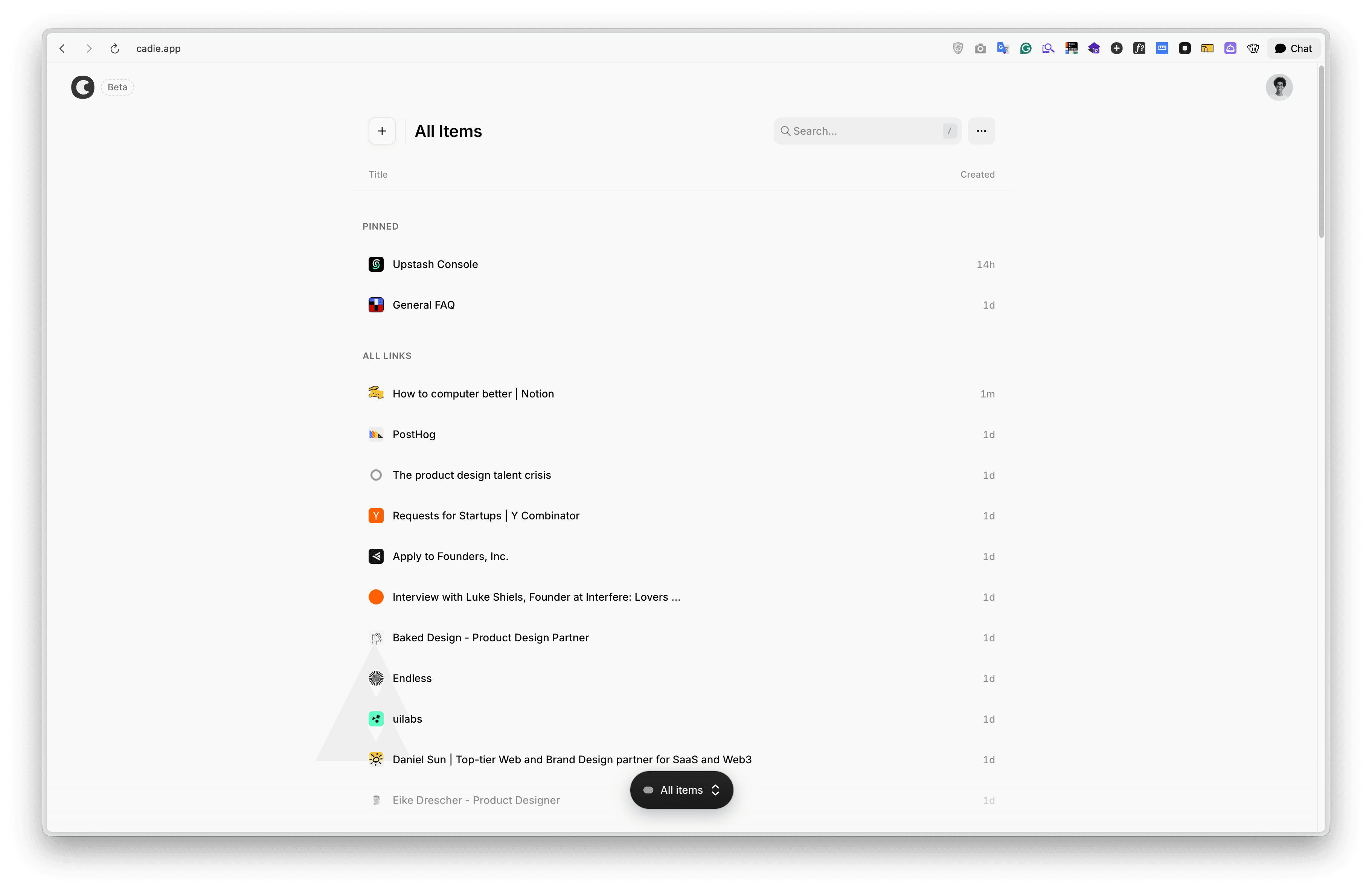
Click the Cadie Chrome extension and the current page is saved instantly to your library.
Get extensionCadie removes tracking and extra parameters when you save a link. You don't need to do anything.
You can navigate and manage your links using the keyboard instead of the mouse.
Start free, upgrade when you need more.
For getting started
For power users
Yes! The Starter plan is free forever with up to 100 saved items and 3 spaces. Upgrade to Pro for unlimited saves, bookmark imports, and more.
Manually add links from the dashboard using the input field or keyboard shortcuts. You can also use our Chrome extension for one-click saving!
Absolutely. Your links are private by default and we never share or sell your data. You have full control over your content.
Use the archive feature to keep your main view clean. Quick search helps you find any link instantly, no folders needed.
Cadie works on any modern web browser including Chrome, Firefox, Safari, Edge, and Brave. Access your links from any device with an internet connection.